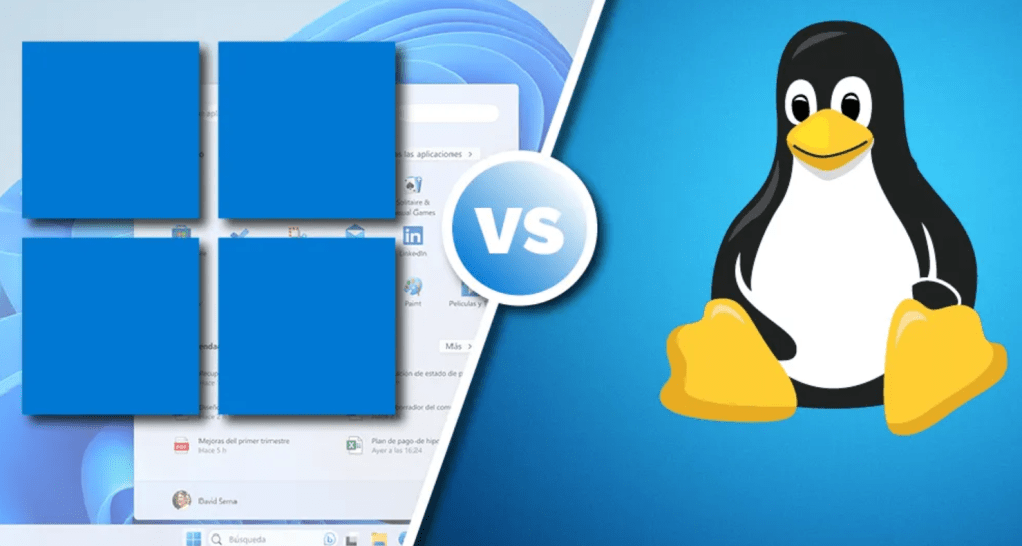
I have been a Windows user from the very early days of computers. My first computer ran DOS 5.1 with Windows 3.0 pre-installed, and as part of that purchase, I got a free upgrade to Windows 3.1. That first computer cost me over $3,000 in 1992 and adjusted for inflation, would cost me about $7,100. The printer was thankfully included. That computer was upgraded to Windows 95, then double-spaced using DOS, so I could install more stuff. That poor 250MB drive was definitely overworked. I then had various desktops and tower computers that ran, in order, Windows 98, Windows 2000, Windows NT 4, Windows XP, Windows 7, Windows 10, and finally Windows 11. Out of all of them, Windows 7 was the most stable of them all. Now in 2026, I find myself falling out of love with Windows and the recent updates making the OS feel somehow off yet familiar at the same time.
My laptop is very capable, running an Intel Core Ultra 7 155U, 32GB of RAM, and a 1TB solid-state drive. It has easily run all the Windows bloat so well that I barely noticed it until Microsoft starting cramming AI everywhere into the OS. Honestly, what the hell do I need AI for in Notepad or Paint? Just dumb. The past few months, since around January, I’ve been getting the “your computer ran into a problem and needs to restart” black screen. Some of those crashes didn’t even give me that and just froze forcing me to hard boot the system. No matter what I did with settings, cleaners, deep investigation, didn’t matter as it kept happening and more frequently.
I had messed around with Linux in the past a few times, and never really stuck it out long enough to get past the obvious hurdles that most have when moving to a new operating system. Decided to give it a try again and started down the rabbit hole of determining which distro I was going to try based on hundreds of message boards and forums. I found no shortage of “my distro is awesome, all others are stupid” flaming between online users. None of that was helpful at all, so I turned to AI, Gemini to be exact, to help assist me in my research. I see AI as a techy friend where I toss questions and ideas to see what it thinks, without all the stupid me vs. everyone responses typical with most forum boards. After taking down all the “must haves”, “nice to haves”, and “experimental” features that I wanted to have in whatever distro I chose, I started my research and journey.
Dusting off my old laptop, because no way was I tinkering with my daily driver until I had a definitive choice ready to deploy. I couldn’t risk not having a somewhat stable machine for online classes, so spare laptop it was. Here is the list of distros that I tried, really tried, for several weeks each trying to make it the daily driver and only going back to Windows for things I just couldn’t figure out or didn’t have time.
- Winux 11
- Linux Mint
- Ubuntu
- Zorin
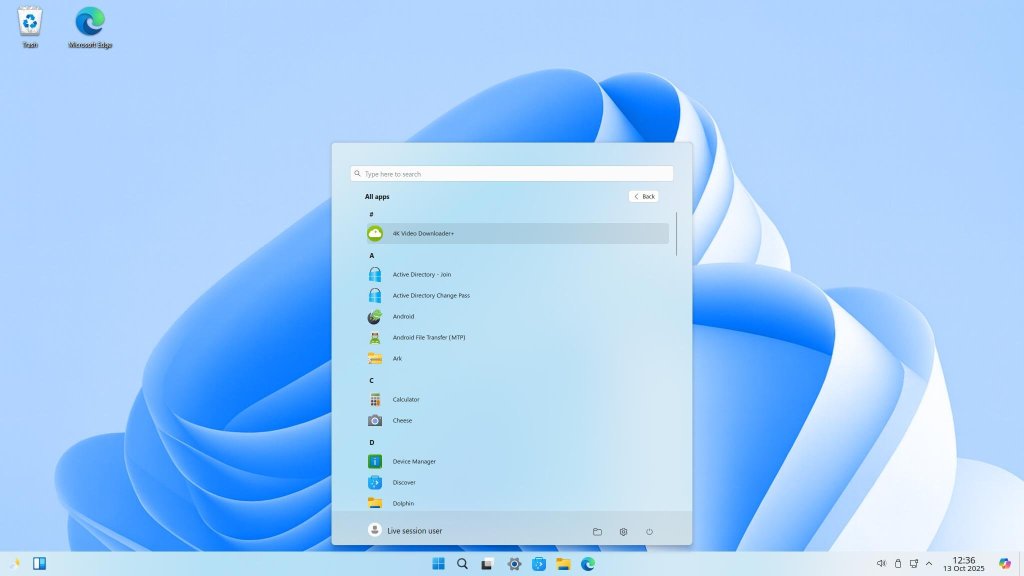
In all cases, I used the current stable version that was available at the time of downloading. Firing up Rufus to burn some ISO files, I grabbed 4 USB drives and made a bootable for each OS I selected to try. I started with Winux 11 for obvious reasons. It was designed and developed by a former Microsoft engineer and mimicked Windows 11 a little too well in my opinion.
Winux 11 (website)
My experience with this OS was interesting and frustrating at the same time. Yes, it looked and behaved a lot like Windows 11, but there were quite a few nuances that made it clear it was a skinned Linux distro made to look like Windows 11. It was fast, but lacking support in terms of online help and assistance to troubleshoot simple problems like making the taskbar align left instead of the center. It was a weird command line thing that moved it over, but if you resized or did anything to change how it looked it was just go all funny looking and most times didn’t go back to its previous state. This wasn’t the answer for me, I wanted something that was different enough for me to actually see it wasn’t Windows.
Mint (website)
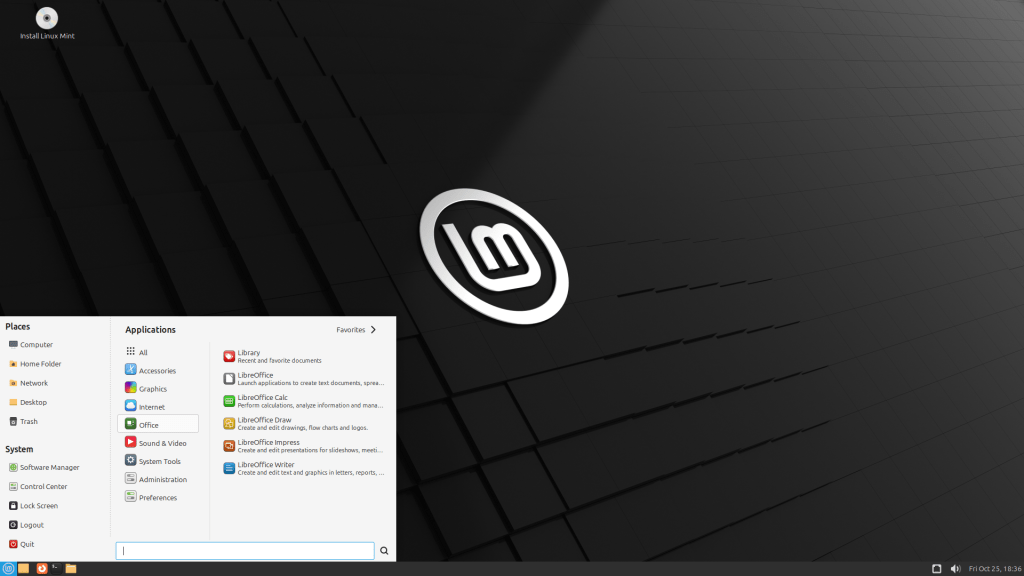
I had tried this a few times over the years, and each time I was impressed with how it progressed from the previous attempt. It was clean, simple, and super easy to install with zero issues with drivers or hardware compatibility. I especially liked how it felt different and no matter what I did, it was seriously fast and remained that way even after a bunch of application installs and command line tweaks to try and make familiar apps work for my needs. I still wasn’t there as far as committing to promoting this to my daily driver OS with Windows in the background. Their software library was impressive and I added that requirement to my list of must haves because I’m at an age where tweaking with a daily driver just isn’t enjoyable anymore, so simplicity is the name of the game. Ultimately I decided to move onto the next OS with Mint being quite high on my list.
Ubuntu (website)
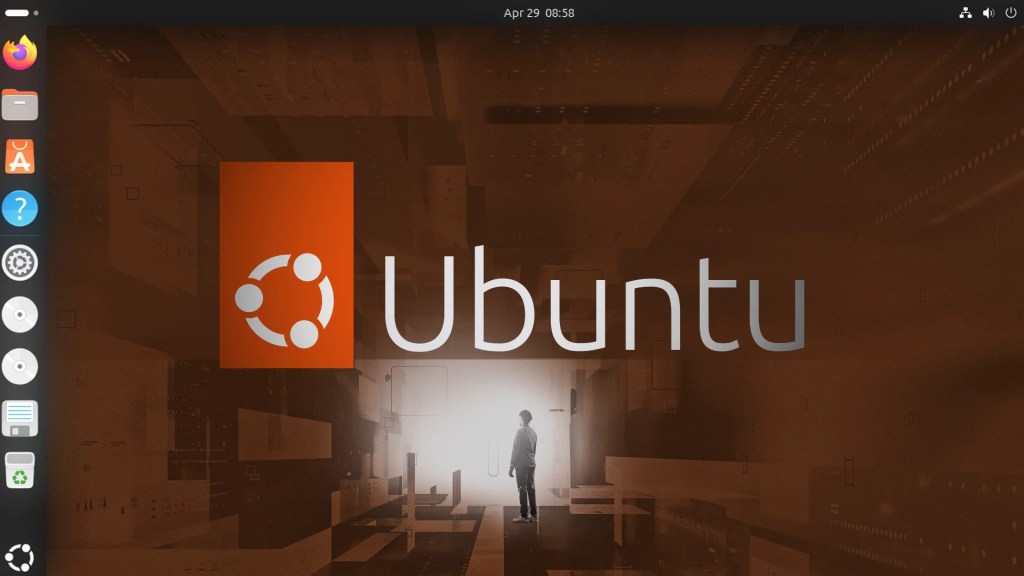
Now, this distro was a given in that it underpins many other distros that are available. I also determined that I liked Debian, which is what this OS is based on. The ability to use multiple types of software (ex – flatpak, snap) was a solid plus for this operating system. It was as fast and easy to install as Mint, but something was still missing and the need for command line to fix small and large problems alike made this system feel a little less complete. My command line days are behind me except for really odd issues that require a direct fix to the OS outside of the GUI. I found myself needing to use command line more often than I would have liked for an OS that was more than two decades old. That didn’t track and once I figured out that I wasn’t the target user for Ubuntu, it started to make more sense. I decided that although a solid system, I needed something a bit more user friendly.
Zorin (website)
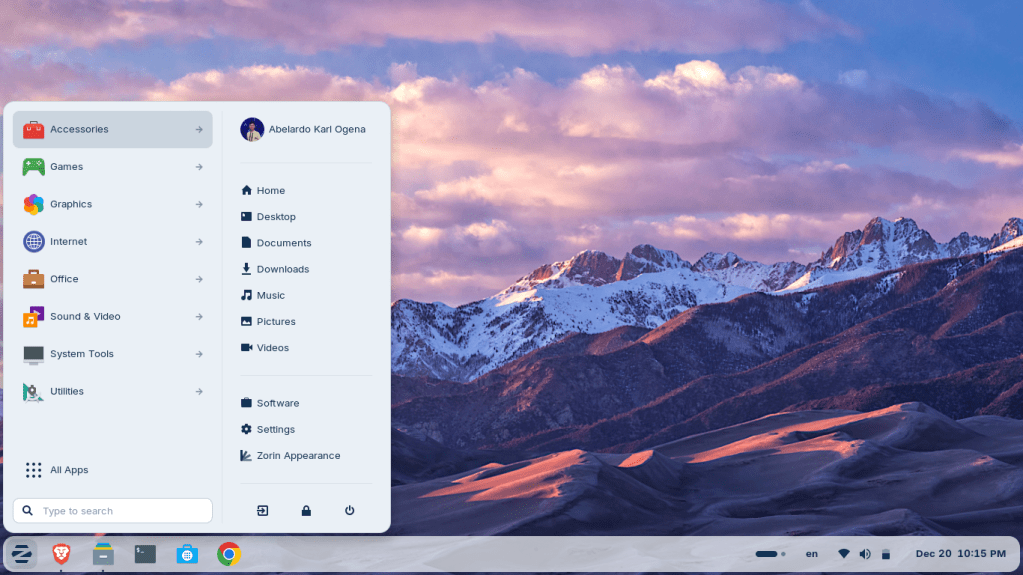
Browsing YouTube one random weekend I came across a video for Zorin. Yes, my devices had been spying on me and knew I needed help selecting a distro, so it was added to the list to try. I wish I had tried this one first because as soon as it booted I knew it was going to be a different experience than the previous three I had tried. Similar to the others, no issues installing or finding all the hardware on my laptop. Their software library was massive and offered up flatpak, snap, and Zorin OS published versions of a lot of software that I used on a daily basis. That was a huge plus in that the majority of what I needed was already packaged and ready to install without a lot of troubleshooting or command line work. Yes, I still used some command, but it was to enhance something that I had already installed or grab an install package that was available but not working quite right from the app store.
Decision Time
I use a lot of random software because I’ve grown really grouchy around commercial software that does one thing really good, and a bunch of things I could care less. Outlook (New) and Google Chrome are really good examples of what I’m talking about. I use Firefox, but only because I like web apps and quick clicks to go directly to something without having to open the browser first. I use Thunderbird (previously was using Aerion) for email, which has been around for a long time and has many add-ons and settings to make it look less like old-school Outlook and more like a modern email client. My choice on OS was actually quite easy, as only one distro checked all the boxes for me and didn’t make me want to pull all my hair out: Zorin. It may be the simplest OS and somewhat similar to Windows, but overall the experience overall was quite pleasant and no hurdle was daunting enough to make me want to throw my laptop out the window. So I doubled down and really stuck with it as a daily driver stand-in and I put the Windows laptop to the side. After a full month of using this machine with Zorin installed, I had to fire up Windows only one time and it was to grab my OneDrive files and transfer them to Zorin to save the time to download.
I am writing this on my actual daily driver laptop, the one I mentioned above, with Zorin running like a champ. I put this OS through its paces and not once did it flip me off with a black screen or system freeze. I’ve had some odd problems with virtual machine managers and graphics compatibility that was attributed to the fact my laptop has an OLED that requries some special pixel shifting so that it doesn’t burn in prematurely. Aside from those issues, everything I did on Windows I can now do on Zorin. Today, I blew out my Windows partition, reclaimed that space, and installed a Windows virtual machine for “emergency” purposes. Here is the smack in the face, my Windows install took up just under 300GBs with all essential applications. The Zorin install is sitting at 95GBs with a Windows virtual machine taking up 40GBs of that space. The contrast between bloated and not is huge. I’m barely using 10% of my 1TB drive at this point and I can do everything on Zorin that I was doing on Windows.
Make the jump, try a few out, see what sticks. If you’re tired of the Microsoft mantra of AI agent-centric task management slowly pushing everyone to a subscription model, now is the time to give Linux a try. Most of them are free along with open source software that can rival those on the Windows side of the fence. It’s even easier to make the choice if you have a spare machine to test a few distros. I tried all these with a live USB before making the jump to full installation. I wish I had made this commitment a few years sooner than I did when I still had the energy to tinker with my systems, but I am happy with the results of waiting until things got a little more polished. The stereotype of a guy in a hoodie slumped over his keyboard typing furiously into terminal just so he can print a file is long gone. It really feels like Linux has a good shot of giving Microsoft Windows a fair fight. Owning my hardware with a free OS installed is liberating because I no longer have nags of OneDrive, Microsoft ID crap, and reminders to turn on or use CoPilot.
What distro did you decide to try?


Let’s have a discussion!